A new kind of
on-chain flow
Buy and sell tokens across networks, automate your orders, and manage multiple wallets. All from one Telegram bot.
Gas handled. Trading fees and limits apply.One balance.
All your positions.
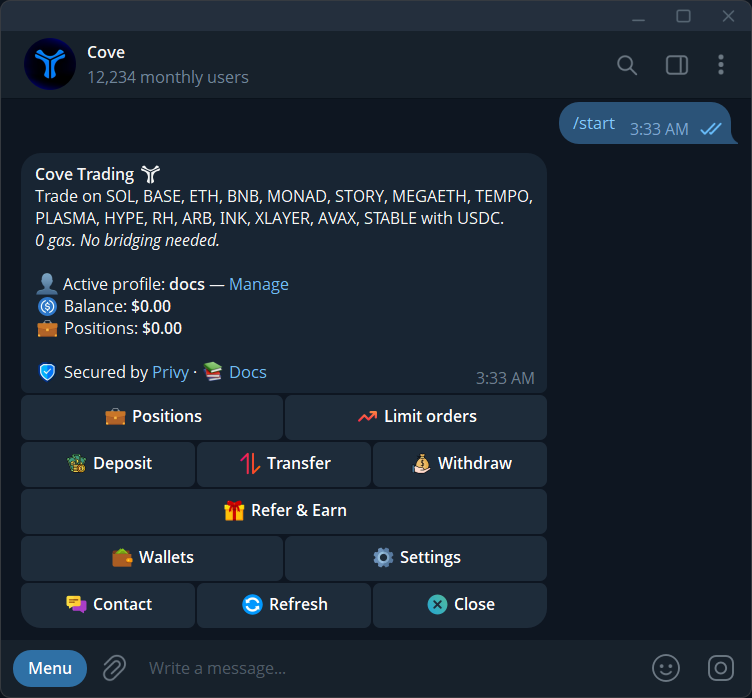
Trade on supported networks from a single USDC balance. cove handles the route and gas, so you can focus on the trade.
Track open positions, review fills, and sell from the same workspace. Your wallets and orders stay within the profile you choose.
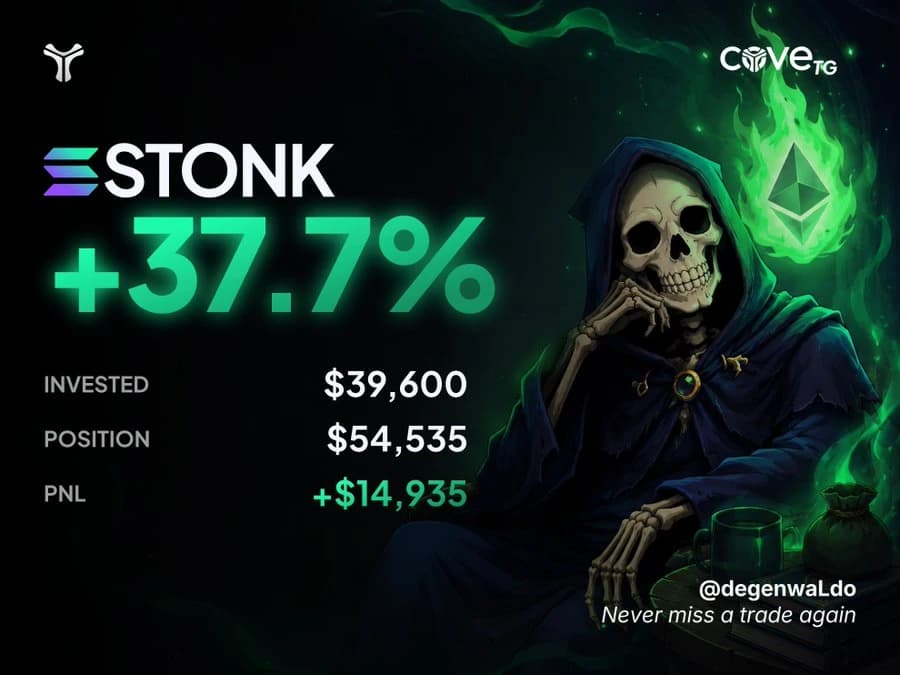
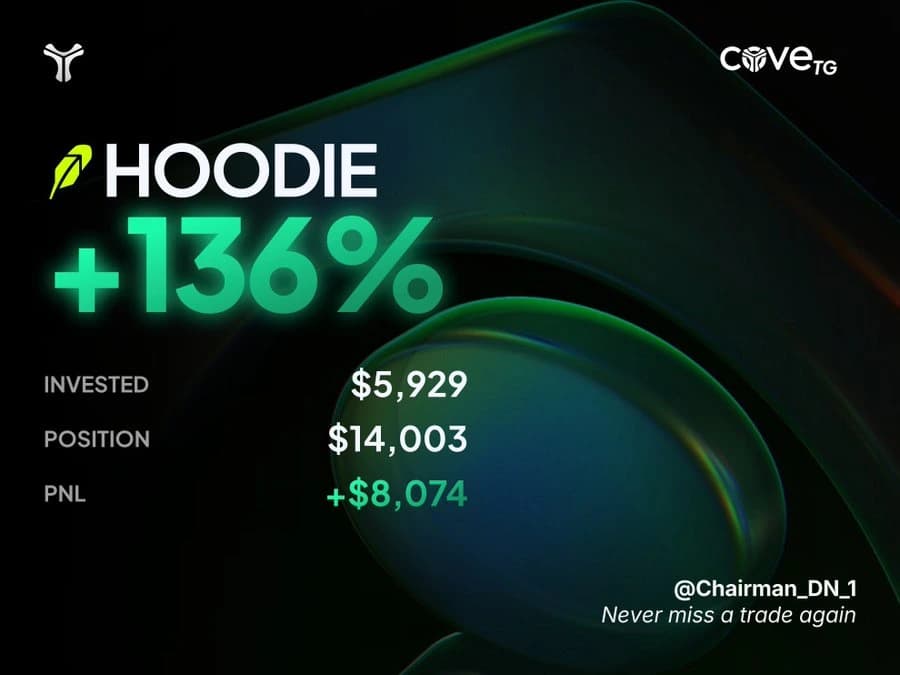
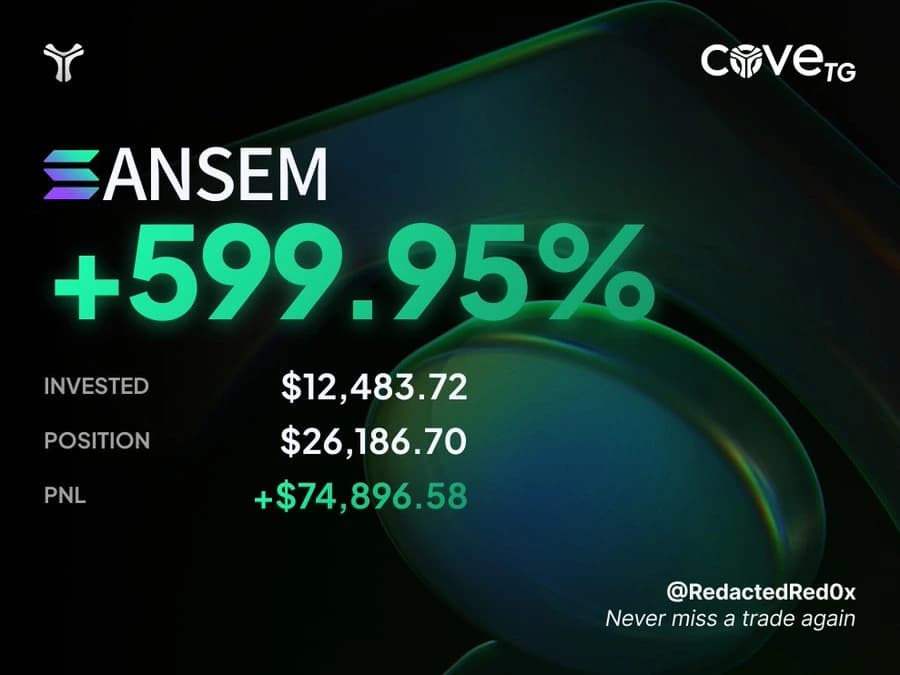
How one balance workscove users winningon every chain.

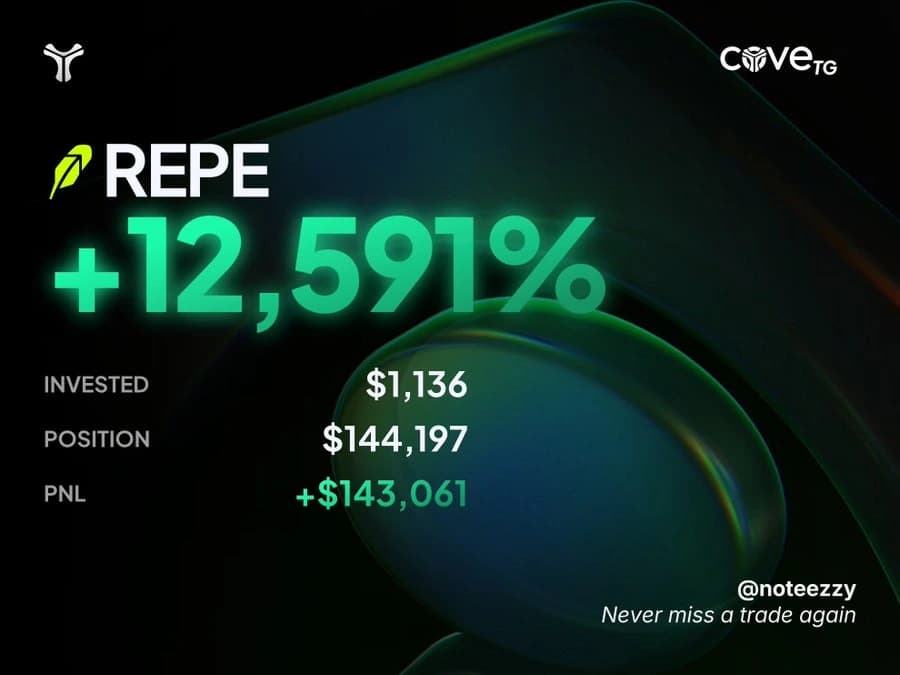

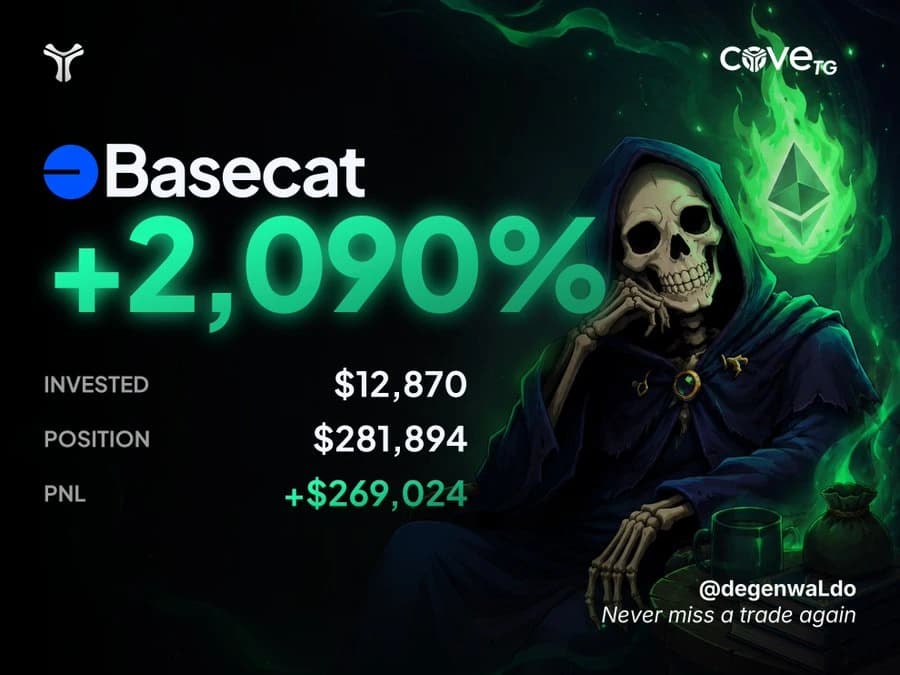

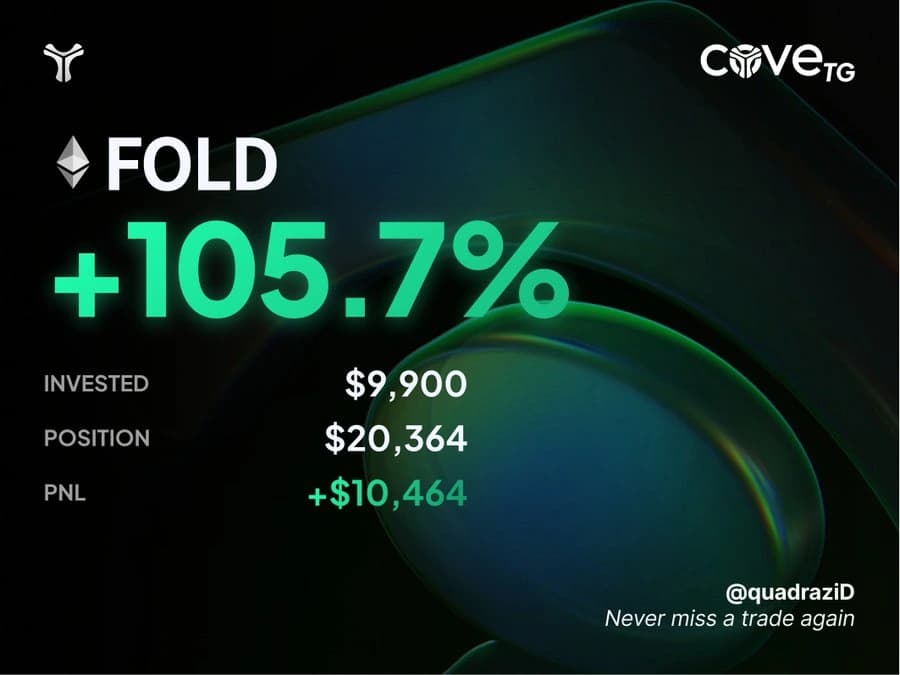

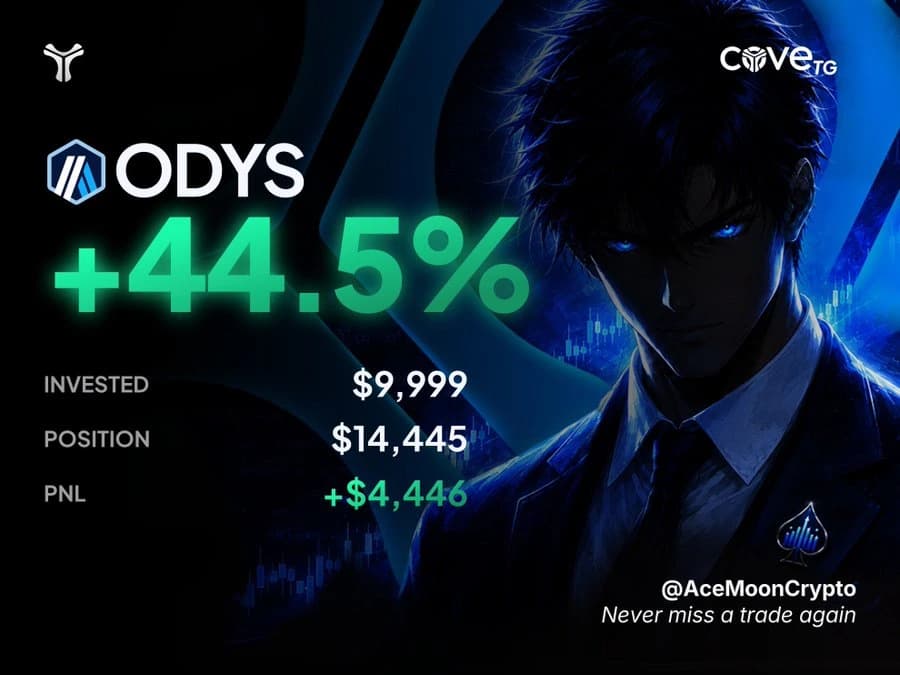



More control over each trade.
Choose a tool and take a look inside.
Order execution depends on liquidity and market conditions. Available features can vary by account and network.
Set an entry. Automate your exit.
Choose a market-cap target, size and expiry. Add a DCA ladder to spread orders across a range, or Auto TP/SL for new buys.
Start trading in three steps.
- 01
Open cove.
Start the Telegram bot. Your first profile and wallet are created for you.
- 02
Add your USDC.
Fund your trading balance. Choose how deposits on other networks are bridged.
- 03
Choose a token.
Paste a contract address or supported link. Check the token, settings and size, then trade.
Get more from cove.
Telegram Trading Bot Guide
Learn the Cove trading workflow: choose a wallet, check a token, review your settings, place an order, and understand the result.
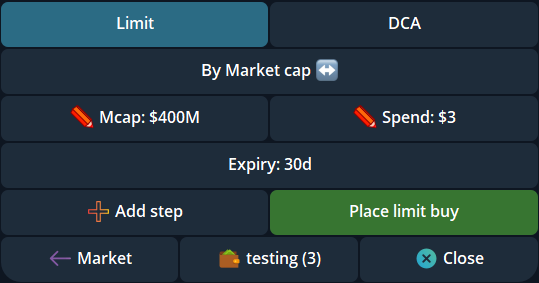
How to use DEX limit orders in Telegram
Set a DEX limit buy or sell in Cove, choose a market-cap or percentage trigger, check the amount and expiry, and verify the result in Telegram.
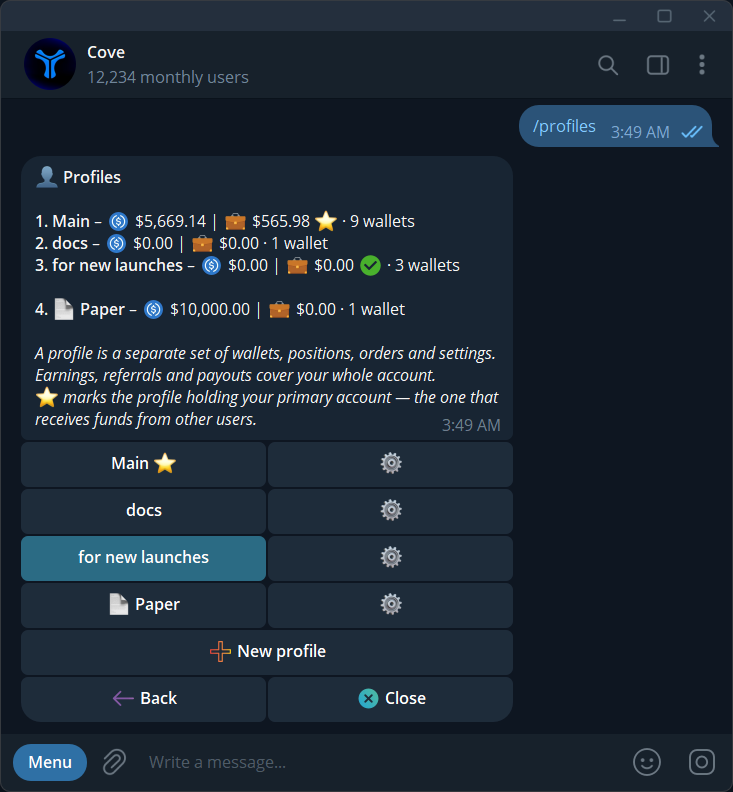
Profiles and multi-wallet trading in Cove
Keep wallets and settings organized, understand Split Total versus Per Wallet, and review every result from a multi-wallet trade.
Do I need a separate balance on every chain?
Your spendable trading balance is USDC on Solana. cove uses it to trade on supported networks. Deposits from other networks may need bridging first: enable auto-bridge for a wallet, or review parked funds in /bridge.
Does gasless mean there are no fees?
cove sponsors gas within its limits, so you do not need to maintain a native gas token for each supported trading route. Trading fees still apply. A route can also require surplus gas approval or use your configured gas budget.
What can I automate?
Set limit buys, take-profit, stop-loss and trailing orders, or use DCA ladders across a market-cap range. Auto TP/SL can create exit orders after a new buy. Orders use market-cap or percentage triggers; execution still depends on available funds, liquidity and market conditions.
Can I try cove before using real funds?
Yes. Send /paper in the Telegram bot to explore the trading workflow with virtual funds in a separate Paper profile. Paper trading is a simulation and does not reproduce every aspect of live execution. Check the active profile before returning to real trading.